80s Polaroid Camera & Old Camera Roll Effects Explained
The look of an old photograph has a charm that modern digital images often struggle to reproduce. Soft colors, visible grain, faded highlights, light leaks, dust marks, and imperfect focus can make a picture feel connected to another time. 80s Polaroid camera and old camera roll effects bring these visual qualities into modern photography. Vintage camera effects are popular among people who want their photos to feel less polished.
A clean smartphone image can look sharp and professional. A retro effect can make the same image feel personal, warm, and nostalgic. The 1980s had its own photography style. Instant cameras, disposable film cameras, compact point-and-shoot models, and home photo prints were common parts of everyday life. Their images were not perfectly exposed in every situation. Skin tones could look warm. Shadows could become soft.
Flash could create a bright foreground with a darker background. Modern camera apps recreate these characteristics through filters and digital processing. Users can apply film grain, faded colors, date stamps, dust, scratches, borders, and simulated flash effects. The goal is not perfect image quality. The goal is a convincing vintage mood.
What Is a 80s Polaroid Camera Effect?
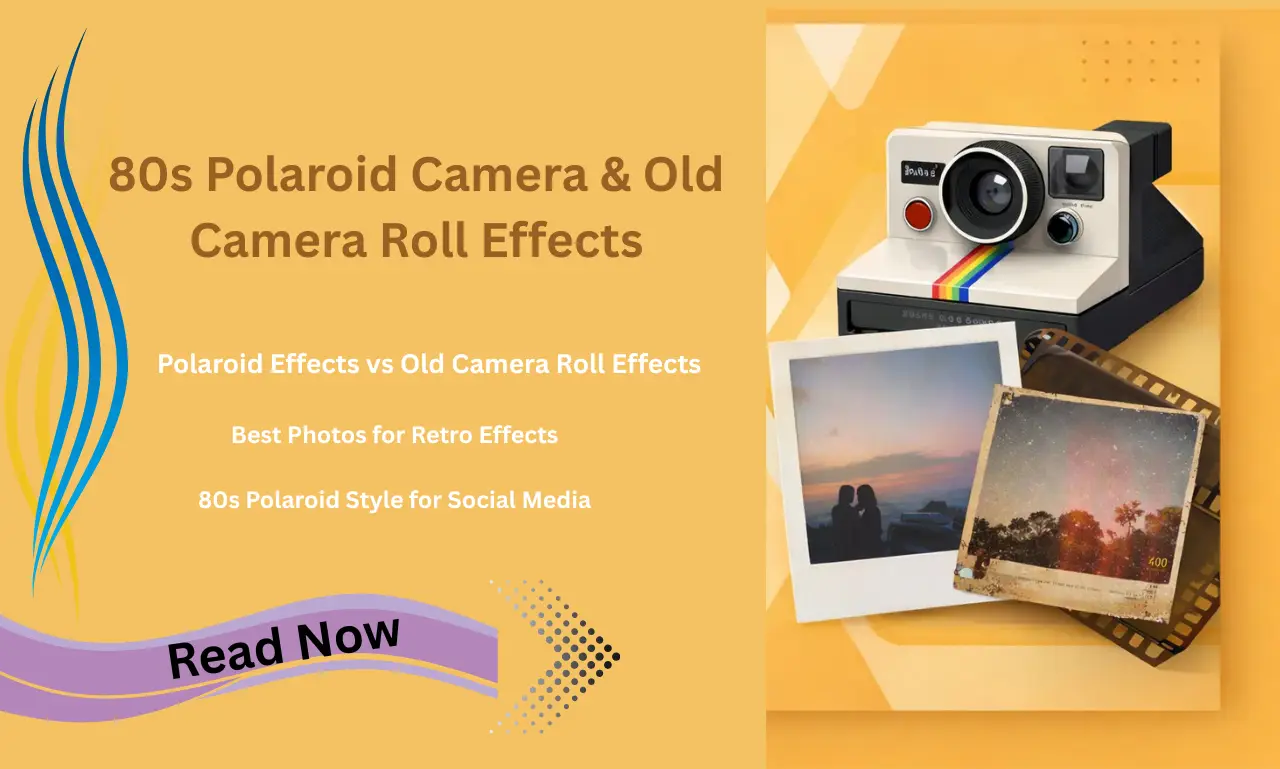
A 80s Polaroid camera effect is a digital style designed to imitate photographs associated with instant cameras from the era. The image usually contains soft contrast, muted colors, subtle grain, and a physical print-like appearance. Polaroid photography became recognizable for its instant prints and distinctive image format. The printed photograph could be viewed shortly after taking the picture.
This created a different experience from traditional film photography, where images needed to be developed before viewing. Digital effects can recreate several parts of that experience. A square or rectangular frame can imitate an instant print. Slight color shifts can create an aged appearance. Grain can make a clean digital image appear more film-like. The effect does not need to make an image look extremely old. A subtle treatment can be enough to create a 80s-inspired mood.
What Makes a 80s Camera Look Different?
Several visual characteristics can create the classic retro appearance.
1- Soft Image Quality
Older consumer cameras did not produce the extremely sharp images found on modern smartphones. Details could appear softer around edges. A digital filter can reduce sharpness slightly. Excessive blur can make the image look artificial. A small amount of softness usually produces a more believable result.
2- Film Grain
Grain is one of the most recognizable elements of film photography. Tiny variations across the image create a textured appearance. Heavy grain can make an image look dramatic. Fine grain can provide a more natural vintage feel.
3- Warm Color Tones
Many retro effects use warm colors. Skin can appear slightly golden. Whites may become creamy. Dark areas can develop brown or reddish tones. The exact color depends on the film, camera, lighting, and development process.
4- Faded Highlights
Old photographs can develop faded areas over time. A digital effect can imitate this appearance by lowering contrast and reducing color intensity. Bright areas can appear less harsh. The photograph gains a softer visual character.
5- Light Leaks
Light leaks are bright or colored areas created when unwanted light reaches film. Red, orange, yellow, and pink tones are common choices for digital simulations. Light leaks work well around the edges of an image. A large leak across the entire photograph can hide important details.
What Are Old Camera Roll Effects?
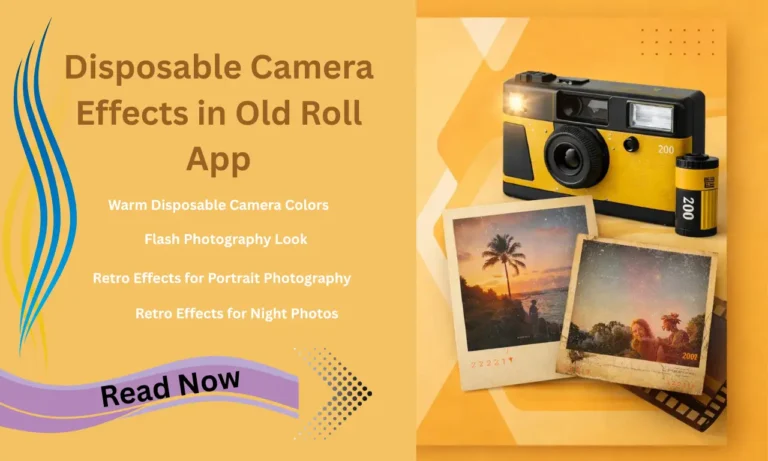
Old camera roll effects imitate photographs captured with older film cameras, disposable cameras, compact cameras, or printed photo rolls. The style can include uneven exposure, visible grain, dust, scratches, faded colors, harsh flash, and date stamps. Some effects imitate the appearance of photographs found in old family albums. An old camera roll effect does not always represent a specific camera model. It can combine several familiar characteristics from analog photography. This style works well for birthdays, road trips, parties, family moments, street photography, portraits, and casual snapshots.
Polaroid Effects vs Old Camera Roll Effects
The two styles share a nostalgic character. Their visual results can be quite different.
| Feature | 80s Polaroid Effect | Old Camera Roll Effect |
| Main style | Instant photo | Film snapshot |
| Frame | Often visible | Usually absent |
| Colors | Soft and warm | Variable and faded |
| Grain | Fine to moderate | Fine to heavy |
| Flash | Moderate | Often noticeable |
| Date stamp | Optional | Common in some styles |
| Image shape | Square or print-like | Standard photo ratio |
| Mood | Nostalgic and artistic | Casual and authentic |
A Polaroid effect is useful when the physical instant-photo appearance matters. An old camera roll effect is better for creating a casual snapshot feeling.
Why Do People Like Vintage Camera Effects?
Modern cameras are designed to produce clean and detailed images. Vintage effects move in the opposite direction. People often use retro filters because imperfections can make an image feel more emotional. A slightly blurred face can remind someone of an old family photograph. A strong flash can recreate the atmosphere of a late-night party.
A faded color palette can make a recent trip feel like a memory from years ago. The imperfections become part of the visual story. Vintage photography can feel less staged. The result may look like something discovered inside an old photo album instead of something created for social media.
Popular Elements in Old Camera Filters
How to Create a 80s Polaroid Look
You can create the style with a vintage camera app or a regular photo editor. Start with a portrait, indoor snapshot, travel image, or casual street photo. Select a film or instant-camera filter. Reduce clarity and sharpness slightly. Add a small amount of grain. Adjust the colors toward warmer tones. Lowering contrast can create a softer appearance. A subtle faded effect can make the photograph feel older. Add a Polaroid-style border when the printed-photo appearance is important. A small light leak can add character. Keep the effect controlled so the subject remains clear.
How to Create an Old Camera Roll Effect
Choose an image with natural lighting or a night scene. Apply a disposable camera or compact-film preset. Increase grain to a moderate level. Reduce perfect digital sharpness. A flash overlay can create a stronger snapshot feeling. Add a small date stamp if the chosen style supports it. Slightly lower color saturation can produce a faded film appearance. Portraits work especially well with this treatment. Group photos can look like authentic party snapshots when paired with direct flash and subtle grain.
Best Photos for Retro Effects
Not every image needs a vintage filter. Portraits are a strong choice because skin tones interact well with warm film colors. Street photos can gain atmosphere from grain and faded contrast. Travel photographs can feel like memories from another decade. Old family photographs are another interesting option. A digital image of an old printed picture can receive another layer of aging, creating a photo-within-a-photo appearance. Food images, product photographs, and highly detailed landscapes may need lighter effects. Heavy grain can remove useful detail.
Common Mistakes With Vintage Filters
80s Polaroid Style for Social Media
Retro photographs work well on social media because they stand apart from highly polished digital images. A consistent vintage style can create a recognizable visual identity. Square crops, soft colors, film grain, and small borders can give a photo collection a connected appearance. Portrait posts can use warm instant-film tones. Travel posts can use faded film colors. Night photos can use direct-flash effects. The strongest results usually come from moderation. The photograph should remain the main subject.
Are Old Camera Effects Real Film?
A digital filter is not the same as shooting with physical film. Real film responds to light, exposure, chemicals, lenses, and development conditions. A filter uses software to simulate selected visual characteristics. It can reproduce grain, color shifts, borders, light leaks, and other details. The result can still create a convincing nostalgic appearance. It offers the visual style without requiring film rolls, development, scanning, or a vintage camera.
FAQ
80s Polaroid camera effects are digital filters that recreate the look of vintage instant photographs. They often include soft colors, film grain, warm tones, faded highlights, light leaks, and Polaroid-style borders.
Use a vintage camera filter with soft contrast and warm colors. Add light film grain and reduce sharpness slightly. A white instant-photo border can create a stronger Polaroid appearance.
Old camera roll effects imitate photographs taken with older film cameras, disposable cameras, and compact point-and-shoot cameras. Common details include grain, flash, faded colors, dust, scratches, and date stamps.
Choose a retro camera app or photo editor with film presets. Apply a disposable camera or vintage-film filter. Adjust grain, contrast, saturation, and sharpness until the image has a natural old-camera appearance.
Film filters usually combine grain, muted colors, soft contrast, slight fading, and subtle color shifts. Disposable camera presets can add direct flash and date-stamp effects for a stronger film-camera style.
Conclusion
80s Polaroid camera effects and old camera roll effects give modern photos a nostalgic personality. Soft grain, warm colors, faded tones, direct flash, light leaks, date stamps, and gentle blur can create the feeling of an older photograph. Polaroid effects work well for instant-print aesthetics. Old camera roll effects fit casual snapshots, party photos, travel pictures, portraits, and everyday moments.
The strongest vintage look does not require heavy editing. A balanced combination of grain, soft contrast, muted colors, and small imperfections can make a digital image feel more authentic. Vintage effects are useful for anyone who wants photographs with character. They bring an old-camera mood to modern images without requiring physical film or a vintage camera.