
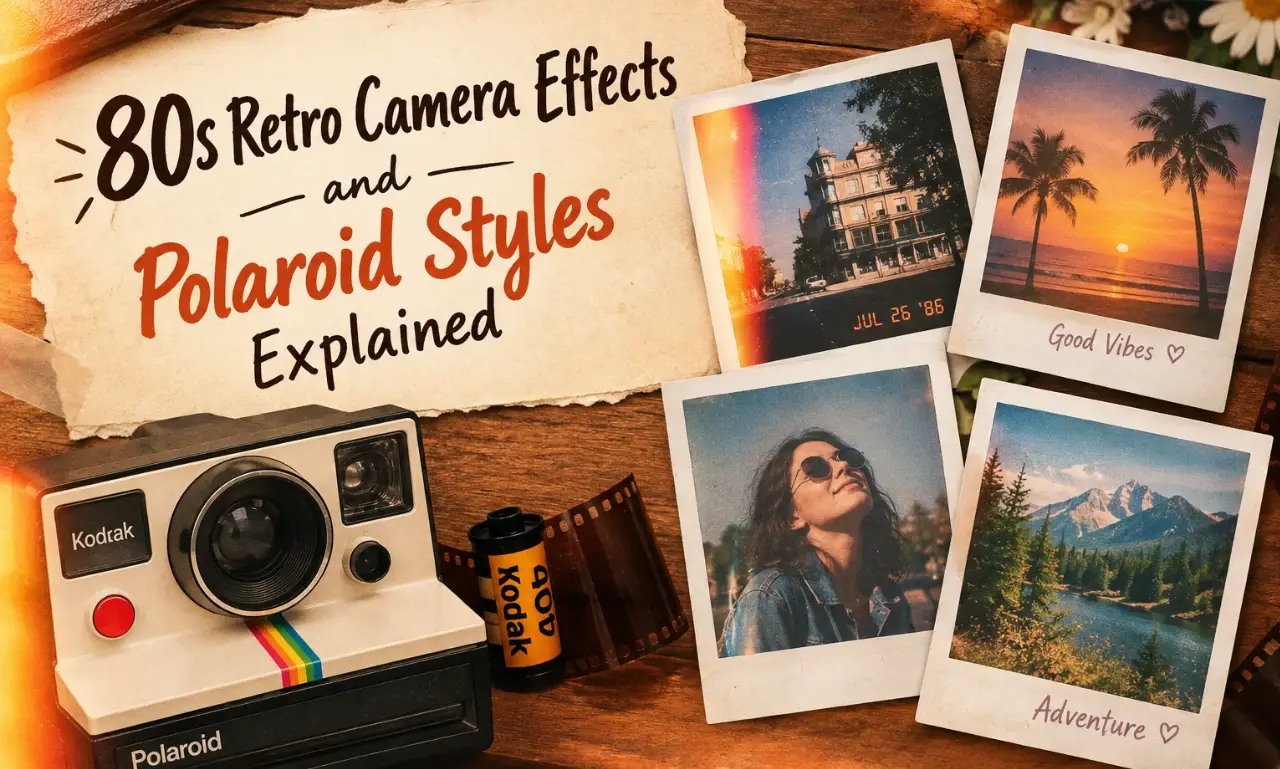
80s Retro Camera Effects and Polaroid Styles Explained
Modern phone cameras can produce sharp, bright, and highly detailed pictures. Many people still enjoy photos with a softer and older appearance. 80s retro camera effects can give digital pictures a classic look inspired by film photography, old snapshots, and Polaroid-style prints. The 80s had a recognizable photography style. Photos often contained visible grain, warm colors, soft highlights, faded tones, light leaks, and slightly imperfect details.
These characteristics can make a picture feel personal and nostalgic. Retro camera apps make this style easier to recreate. Users can apply vintage filters, date stamps, dust textures, blur effects, and film-like colors to ordinary phone photos. A simple portrait can look like an old family picture. A street photo can feel like a scanned print from an old photo album.
What Are 80s Retro Camera Effects?
80s retro camera effects are digital editing styles designed to create the appearance of older photographs. They can imitate the visual characteristics of film cameras, instant cameras, disposable cameras, and printed photographs. These effects do not always aim for perfect accuracy. The charm comes from small imperfections.
Common elements include:
A modern image can take on a completely different personality after these effects are applied.
Why Do People Like the 80s photo look?
The 80s photo style has a strong nostalgic character. It reminds people of physical photo albums, family gatherings, school trips, birthdays, vacations, and printed snapshots. Digital cameras usually aim for clarity. Retro photography celebrates texture. Film grain can make smooth digital images feel more natural. Warm colors can create a comfortable mood. Faded shadows can make a picture feel older. The style also works well on social media. A heavily polished image can look similar to thousands of other posts. A retro edit can give a photo a more personal identity.
What Makes a Polaroid-Style Photo Different?
Polaroid photography has its own visual character. Instant prints often have a physical frame around the image. The colors can appear soft or slightly faded. The photograph may contain small exposure differences.
A Polaroid-style digital edit can copy several of these visual elements.
A typical effect may include:
The frame is one of the most recognizable parts of the style. It can make a regular phone photograph look like a physical instant print.
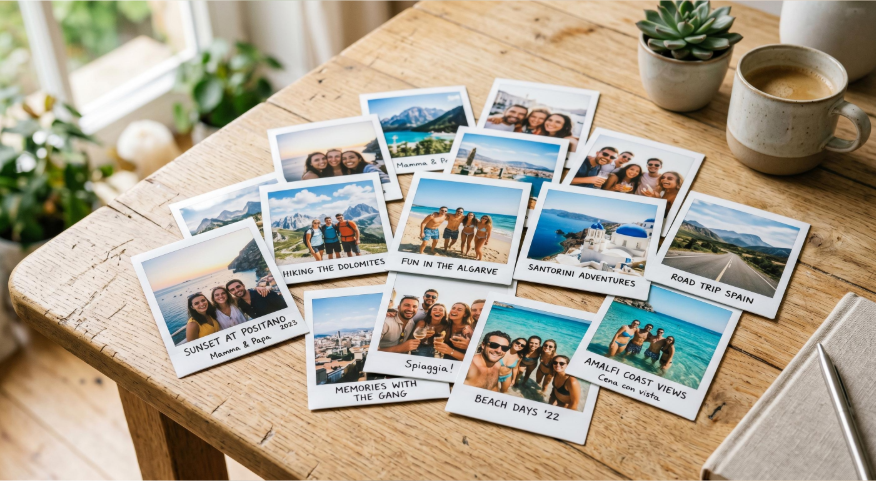
Old Camera Roll Effects Explained
Old camera roll effects are designed to make digital photos resemble pictures from older film cameras or printed albums. The effect does not need to be dramatic. Small changes can create a convincing result.
Film Grain
Faded Colors
Film grain adds tiny texture to an image. It removes some of the perfectly smooth appearance found in modern smartphone photos. Fine grain can work well for portraits. Stronger grain can create a more obvious vintage appearance.
Older photographs may have less intense colors than modern digital images. A faded effect can reduce saturation and create a softer appearance. Pastel tones can work well for outdoor photos. Lower saturation can suit old family-photo styles.
Warm Tones
Light Leaks
Warm color grading can give a picture a nostalgic feeling. Yellow, cream, orange, and brown tones are common choices. Warmth should match the subject. Too much warmth can make skin tones look unnatur
Light leaks are bright or colored areas that appear around the edges of a photograph. They are often associated with film photography. Red, orange, pink, and yellow light leaks can create an artistic effect.
Dust and Scratches
Dust particles and small scratches can make a digital photo look like an old scanned print. These textures should be used carefully. Heavy scratches can hide important details.
Date Stamps
Date stamps are a familiar feature of older consumer cameras. The date can be real or decorative. A simple orange or white stamp often fits the retro style.
How to Create an 80s Retro Photo Look
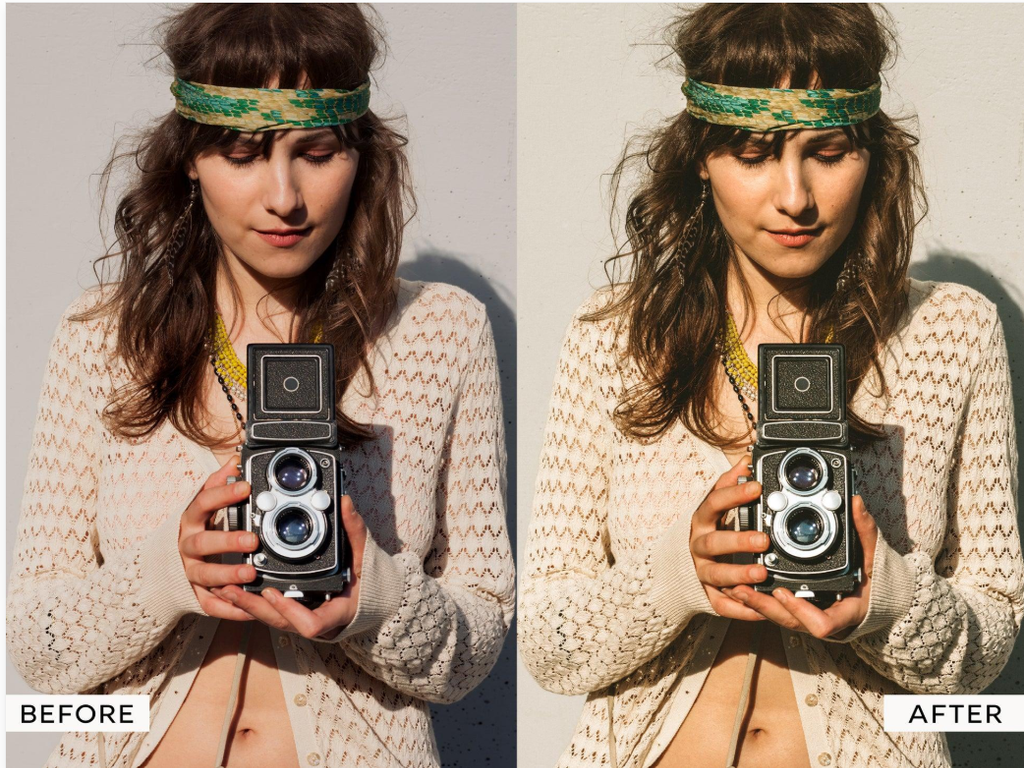
Creating an 80s-inspired image does not require advanced editing skills. A phone camera and a suitable editing app can be enough.
Step 1: Choose the Right Photo
1- Start with an image that already has a natural feeling.
2- Family moments, street scenes, portraits, cars, travel photos, food, and outdoor scenes can work well.
3- Avoid images that rely heavily on extremely sharp details. Softer subjects often fit vintage effects better.
Step 2: Add a Film Filter
1- Choose a filter with muted colors and soft contrast.
2- Avoid filters that completely change the original image. The goal is to create an older appearance while keeping the subject recognizable.
Step 3: Adjust Saturation
1- Reduce saturation slightly.
2- Strong digital colors can make a photo feel modern. Softer colors can create a more traditional film appearance.
Step 4: Add Grain
1- Apply a small amount of grain.
2- The texture should remain visible without becoming distracting. Portraits usually look better with fine grain.
Step 5: Adjust Brightness and Contrast
1- Lowering contrast can make the image softer. Slightly lifted shadows can create a faded film appearance.
2- Bright highlights should remain controlled. Excessive brightness can remove facial and background details.
Step 6: Add a Polaroid Frame
1- A white border can give the image an instant-camera appearance.
2- Leave enough space around the picture. A larger bottom border can create the familiar Polaroid-inspired shape.
Step 7: Add Small Details
1- A date stamp, dust texture, or subtle light leak can complete the style.
2- Use these elements with restraint. The image should still look like a photograph.
Best Subjects for Retro Camera Effects
Retro effects do not work the same way on every image. Certain subjects naturally match the style.
Portraits
Portraits can look warm and personal with film grain and soft colors. Natural expressions usually work better than highly posed images.
Street Photography
Old buildings, cars, signs, markets, and busy streets can create a strong retro atmosphere. A faded color palette can make modern locations feel older.
Travel Photos
Travel pictures can benefit from Polaroid-style frames and date stamps. The final image can resemble a page from an old vacation album.
Food Photography
Food photos can look interesting with warm colors and mild grain. Strong filters can change the natural color of food. A subtle effect is usually more suitable.
Family Memories
An ordinary digital picture can resemble a printed memory from an older photo collection.
80s Retro Effects vs Modern Filters
Modern filters often focus on bright colors, sharp details, clean skin, and polished images. Retro effects follow a different approach.
| Feature | 80s Retro Style | Modern Filter |
| Colors | Soft and faded | Bright and strong |
| Texture | Film grain | Clean detail |
| Contrast | Gentle | Higher |
| Skin | Natural | Often enhanced |
| Light | Soft | Clear and bright |
| Frame | Polaroid or film style | Usually none |
| Mood | Nostalgic | Fresh and polished |
The right choice depends on the mood of the photo.
How to Make Retro Effects Look Natural
A common mistake is applying every vintage effect at maximum strength. Natural-looking edits usually need moderation. Keep grain at a comfortable level. Use light leaks near the edges. Keep skin tones close to their original color. Avoid covering the entire image with heavy textures. The original photograph should remain visible. A good retro edit feels like an old photograph. It should not look like a modern picture covered with random effects.
Using Old Camera Effects on Social Media
Retro images can work well on Instagram, Pinterest, TikTok, Facebook, and other visual platforms. A consistent style can make a photo collection look more organized. You can use the same color tone across several images. Matching borders can create a photo-album appearance. Date stamps can add a personal touch. Vertical images work well for stories and short-form content. Square images can fit Polaroid-inspired layouts.
Common Mistakes With Vintage Photo Editing
Too Much Grain
Heavy grain can hide facial details and make the picture look low quality.
Excessive Fading
Very faded colors can remove the subject’s natural appearance.
Strong Light Leaks
Large light leaks can cover important areas of the photograph.
Too Many Effects
Grain, scratches, dust, blur, light leaks, borders, and color shifts do not need to appear together. A few carefully selected effects can produce a stronger result.
Can Old Camera Effects Work With Modern Photos?
Yes. Modern photos can work well with vintage editing styles. High-resolution smartphone images provide plenty of detail for editing. Retro effects can soften that digital appearance. The original image quality still matters. A poorly exposed picture may remain difficult to improve with a vintage filter. Good lighting gives the editor more flexibility.
Tips for Better 80s-Style Photos
Shoot in natural light when possible. Avoid excessive HDR effects. Keep backgrounds simple. Try warm color tones. Use mild grain. Experiment with lower saturation. Add a Polaroid frame when the composition supports it. Photographs of people, old buildings, cars, streets, and outdoor scenes can create strong results. The editing process should support the photograph. It should not hide it.
FAQs
These are digital photo effects inspired by 1980s film photography. They commonly include film grain, warm colors, faded tones, soft focus, and direct-flash lighting.
A Polaroid photo style recreates the appearance of instant-film photographs with white borders, wide lower margins, soft colors, and optional handwritten captions.
Use a film-inspired filter, add subtle grain, reduce saturation slightly, adjust warmth, and experiment with lighting effects.
Yes. Retro effects can give Instagram photos a consistent nostalgic appearance. Polaroid frames also work well for stories, photo collections, and memory-themed posts.
Vintage filters change the image’s colors, texture, and lighting. Polaroid frames change their presentation by adding the appearance of an instant-film print.
Conclusion
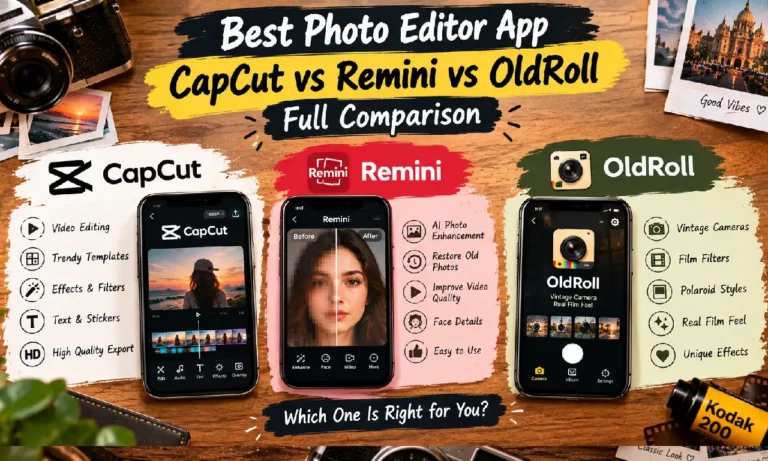
80s retro camera effects and Polaroid styles offer creative ways to give modern photographs a nostalgic appearance. Film grain, warm colors, light leaks, soft focus, and direct-flash effects recreate aspects of older film photography. White borders, handwritten captions, and instant-film layouts bring the charm of Polaroid prints to digital images. Old Roll, Dazz Cam, VASCO, and Picsart provide different approaches to retro editing. A carefully chosen effect can turn a simple photograph into a memorable visual keepsake. Subtle editing and suitable lighting help preserve the character of the original image.

One Comment